
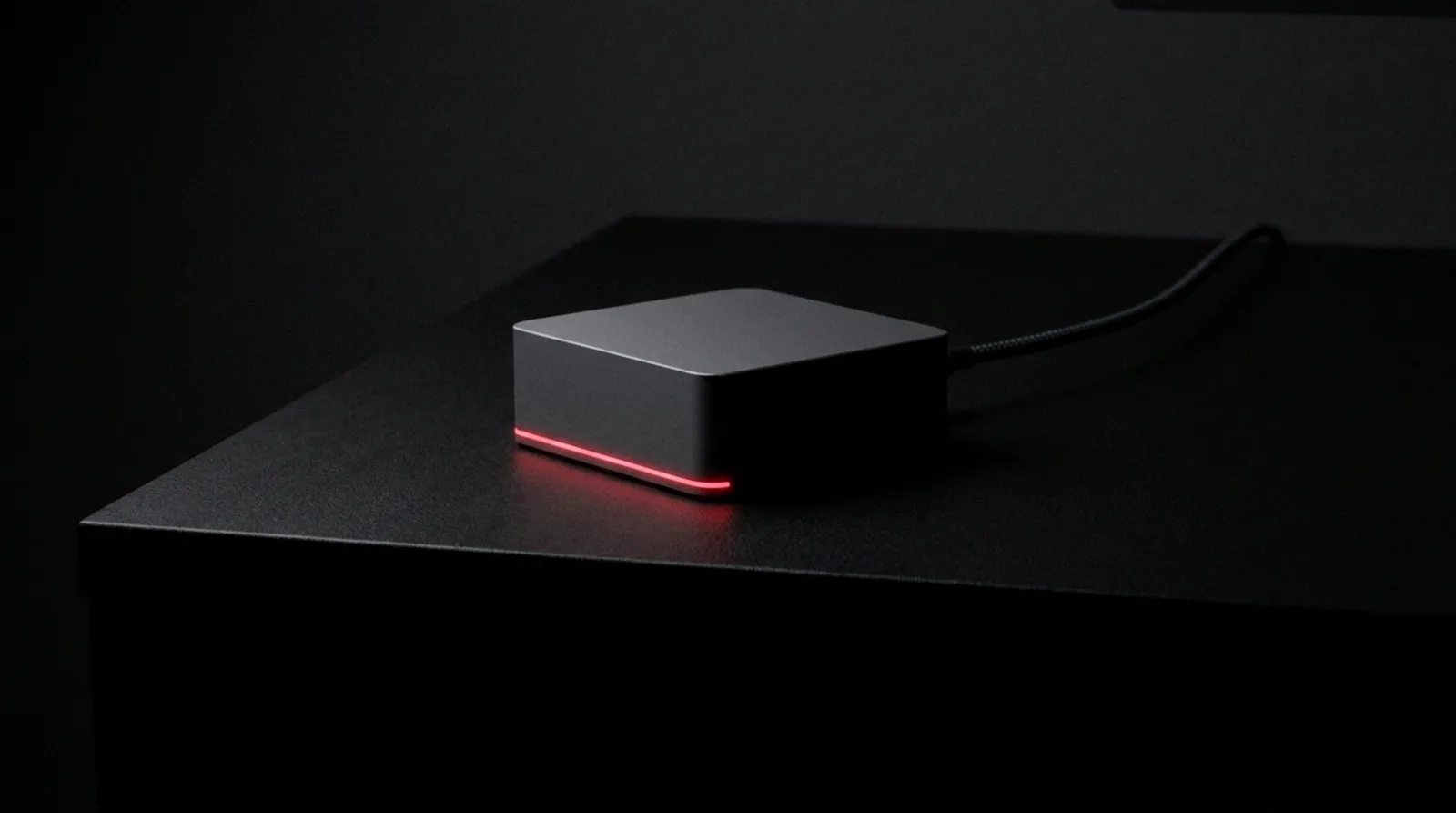
The short version
- One always-on Mac to start. You buy it and you own it.
- Up to five people: Mac mini M6, 32GB RAM, 1TB SSD. Six to fifteen: Mac mini M5 Pro, 18-core, 48GB RAM, 1TB SSD.
- RAM is soldered. Buy the RAM your row needs the first time.
- Stores and refurbished rules are on benchagi.com/hardware.
One always-on Mac
The agents need a computer that never goes to sleep. That's the whole reason it's a Mac you own and not a laptop somebody carries home. It sits in the office, on ethernet, and it stays on. Your people don't get a new computer. They keep working in the browser and on their phones. The Mac is for the agents.
The box
Up to five people in one office: a Mac mini, M6, 32GB of RAM, 1TB SSD. Six to fifteen people, where most contractors land: a Mac mini, M5 Pro, 18-core, 48GB of RAM, 1TB SSD. The 18-core chip is about two hundred dollars more than the 15-core. Get the 48GB first. 16 to 30 people, or two or more offices, six or more agents, or a big photo library: a Mac Studio, M5 Max, 64GB of RAM and a 2TB SSD. Thirty-one or more people sharing one central Mac get the 128GB and 4TB configuration. If you have one desk and want the machine to be that desk, an iMac with 32GB of RAM and a 1TB SSD does the small-business job. You don't need an Ultra.
Buy the RAM the first time
RAM on a Mac is soldered to the board. You can't add it later. The M6 has 12 cores. Six of them are the fast ones, and the other six keep an always-on Mac quiet. It holds 32GB at most, which is right for up to five people, so buy that Mini at 32GB and 1TB. An M6 at 16GB or 24GB will not hold up. An M5 Pro at 24GB has more fast cores and still will not hold up. Past five people, the M5 Pro Mini at 48GB, because the box has to hold the RAM your business needs on the day you buy it. Get the RAM first. The chip matters less.
What to skip
A laptop as the always-on box. Anything with 16 or 24GB of RAM as the always-on box, including an M6 at 16GB or 24GB and an M5 Pro at 24GB. A Mac for every person on day one. Windows. Intel Macs. An Ultra.
Where to buy
The stores, the refurbished list, and the eBay filters we use are on one page at benchagi.com/hardware. Read it once before you order.
Questions
What Mac do I buy first?
Up to five people, a Mac mini M6 at 32GB. Six to fifteen, a Mac mini M5 Pro, 18-core, at 48GB. Either way 1TB SSD, on ethernet, left on. An iMac at 32GB if it's the one desk you sit at all day. A Studio if you have several offices, six or more agents, or a large photo library.
Can my laptop be the always-on machine?
No. Laptops sleep, and when the Mac sleeps the agents stop. A MacBook can join later as a gateway, a second machine that's allowed to sleep.
Do I buy it from you?
No. You buy the Mac. There's nothing to order from Bench. Where to buy is on benchagi.com/hardware.
Keep going
Every Bench word above is on Glossary / FAQs, in plain English.